
Your morning view
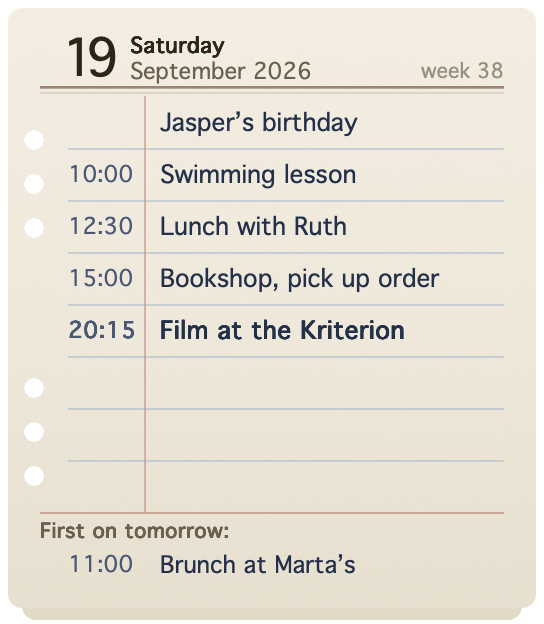
Imagine some widgets to get you started for the day: your appointments, and also tomorrow's first one. The weather forecast. And, of course, the sticky notes you left for yourself.
Your own creative space, hidden in plain sight.
Today’s highlights from your agenda, without the overload
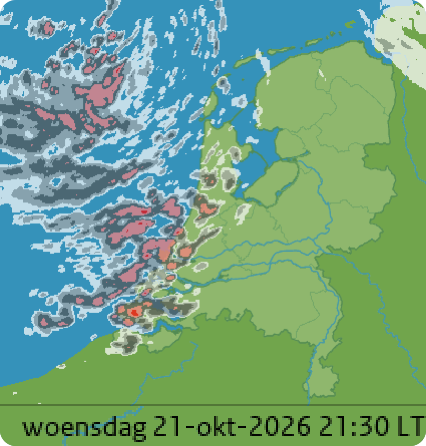
Today's weather stats, with a 24 hour forecast.

See what’s playing on your favorite radio station

An up to date calendar of the gigs playing in town
View basic radar images, updated every 10 minutes or so, from the national weather service
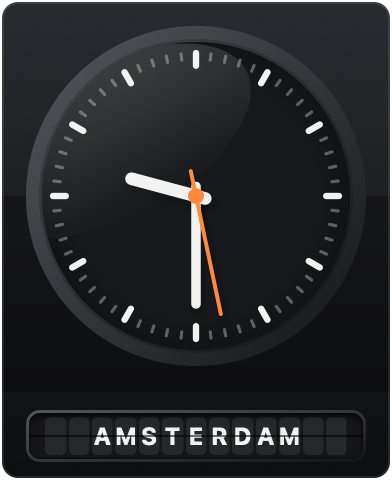
Add a beautiful clock for any city you choose
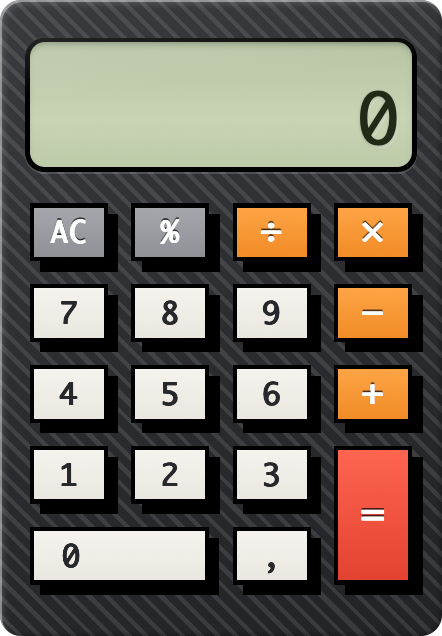
A calculator that is always one key press away
Add a beautiful screen full of widgets to your Mac. Just press F12 and quickly glance today's calendar for your next appointment. Or take a break, and amaze yourself with some of the world's finest art, right on your desktop. And the best part: you can make your own widgets by opening up your favorite editor, or by connecting a coding agent to help you create exactly what you imagine. Add a beautiful screen full of widgets to your Mac. Just press F12 and take a glance. You can share widgets online or make some for yourself.
Add some of the included widgets, share with friends, or design one just for yourself.
Imagine some widgets to get you started for the day: your appointments, and also tomorrow's first one. The weather forecast. And, of course, the sticky notes you left for yourself.

Make a screen full of art and culture: a painting from the Rijksmuseum, what's playing in your local music venue, or the current record that's playing on your favourite station.
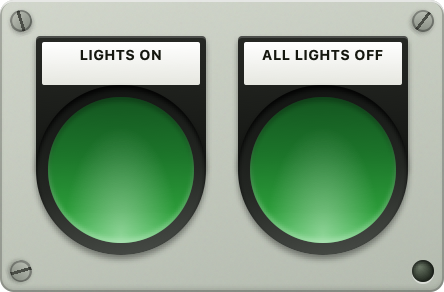
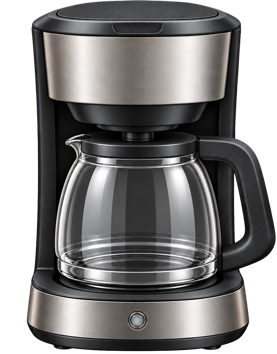
Run macOS Shortcuts, add a world clock, or do a quick calculation. Keep your screen awake while teaching. All the things you use regularly are now available instantly.
The decor opens over your current work and quickly disappears when you press F12 again. You can also use the menu bar icon.
Place your widgets anywhere on the screen. All neat and tidy, if you want, or a bit more chaotic. You can resize any widget, too.
Whether you use mouse, keyboard, VoiceOver, touch, or a switch button, your widgets are there for you.
Décor provides some compatibility with older widgets. You can try upgrading them using the Widget Construction Kit.

Décor runs on macOS 14 and later, on Apple silicon and Intel. It does not support iCloud syncing, but settings are saved in the user directory and can be included in computer backups.
Décor was designed with accessibility in mind. In VoiceOver, the widget list is best accessed using VO-U (the Window Spots menu). In add/remove widget mode, the there are rotors for both adding and removing widgets.
Included widgets: Calculator, Today, Clock, Weather, Shortcuts Board, Caffeine, Stickies.
Version 0.1
This non-final version is for creative-minded developers who have daily backups of the computer they try out new software on. Includes the Widget Construction Kit.
Download (expires 23 December)GitHub Discussions
Have a question, an idea or a problem? Ask it in the forum and see if you can help others. Be sure to share any fun and useful widgets you have created.
Visit the forum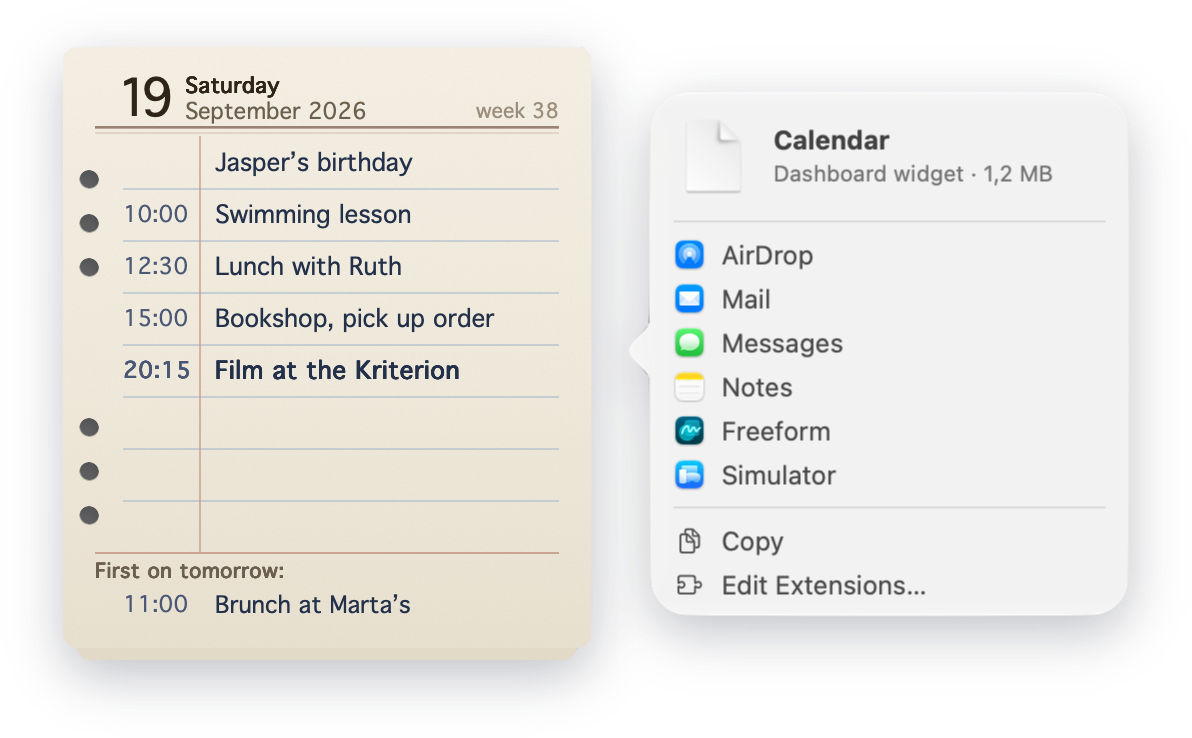
A widget is really just a folder with a HTML file and some other stuff. That means you can share widgets just like that. AirDrop them across the room, add to a message or send an e-mail, and the receiver can put them on their decor from there. Or make a tiny screenshot when you see something nice: all you do is right-click and send it.
Décor includes the tools you need to build great widgets. Use your own code editor to write HTML, CSS and JavaScript by hand, or point a coding agent towards the Widget Construction Kit, then monitor and critique its progress until you're happy.
The Widget Construction Kit is a separate app that can assist when developing widgets. Included is a basic widget template to get you started. Just save it somewhere, open up your editor and the Widget Design Guide, and see where the process leads you.
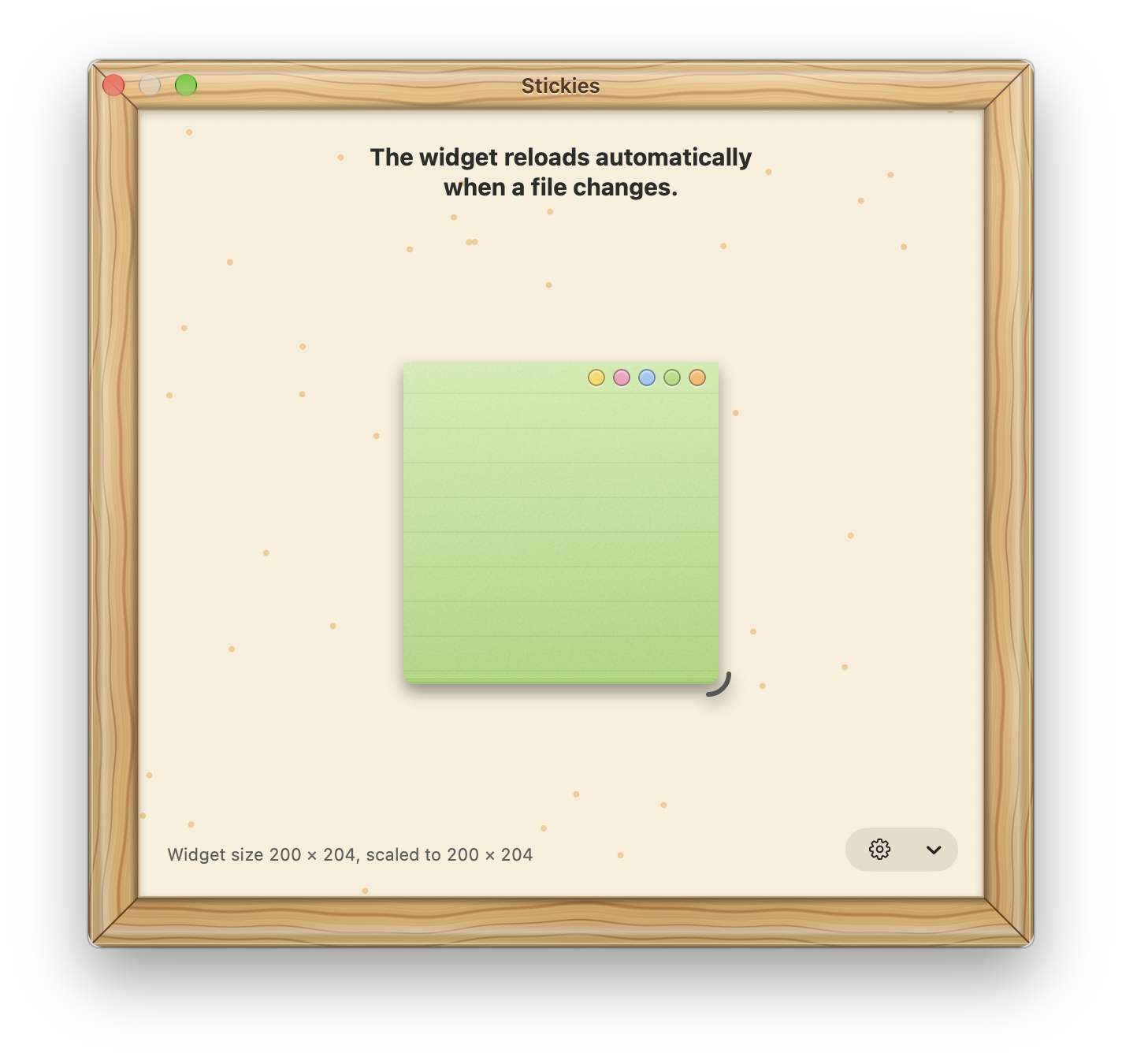
Use the widget Simulator to run your widget separate from your own decor, with simulated personal data. While editing the widget, it will automatically reload, so you can see your changes instantly. And when you have a bug, the Simulator will show it in the console drawer. You can even connect Safari's web inspector to inspect live styles.
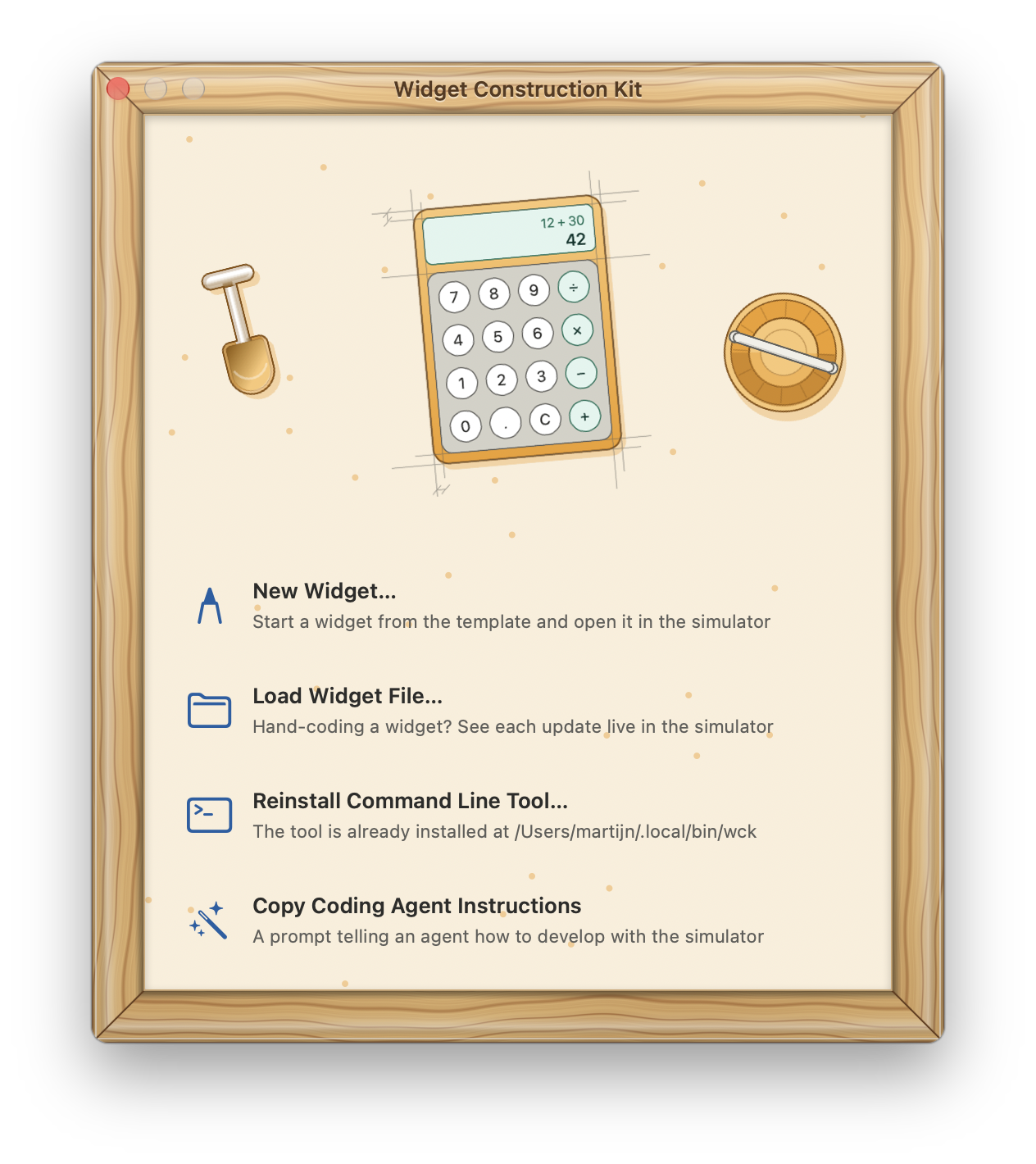
The Widget Construction Kit ships with a command line tool, and
it's perfect to use with a coding agent. Install the tool,
and instruct the agent to open your new widget using
wck. The Simulator will show the widget while it's
being changed, so you can monitor progress and provide feedback.
Meanwhile, the agent can capture screenshots from the widget so it can "see" what it's doing. It can reload the widget, read the console, or run a line of JavaScript to diagnose a problem or try a visual change. The tool also provides instant access to the current reference manual, so the agent is up-to-date on APIs.
$ wck new Tides
Tides.wdgt is ready.

$ wck open Tides.wdgt
Developing “Tides”. It is open in a window of its own.

$ wck logs --follow
16:04:12  high water 14:52, low water 21:07
16:04:12  [error] tides.js:44 undefined is not an object

$ wck eval 'document.querySelectorAll(".row").length'
6

$ wck screenshot -o tides.png --scale 2
tides.pngThe widget object in JavaScript provides access
to user data and system functions. Widgets need to declare access
and Décor makes sure that some forms of access are mutually
exclusive, in order to promote privacy and security. Network
access is restrained to prevent widgets from using up too many
resources. And users always
see the access request list when opening a widget, so they can still
decide not to install. Refer to the API
reference to see what's possible.
widget.calendar.events() read events from macOS Calendarwidget.metrics() read cpu, memory, disk, battery, network metricswidget.location.current() get the GPS location of the Macwidget.location.nameSearch() find locations with GPS coordinateswidget.contacts.search() read details from macOS contactswidget.shortcuts.run() list and run macOS Shortcutswidget.localeInfo read regional settings for appropriate formatswidget.chat.respond() use the local LLM on macOS 26 and upfetch() access web services via the Décor network engine